Beam: cast local Mac movies to Chromecast
Beam streams local movies from macOS to Google Cast TVs, with queues, resume and subtitles. Check TV codec compatibility and BSL license terms.
Watch Episode
About This Repo#
Beam documents local-file casting from macOS 13 or newer to Google Cast devices on the same network, with queues, resume and subtitle controls. Codec support varies by TV. ffmpeg enables poster frames, embedded subtitles, ASS/SSA and audio-track switching. The source-available BSL 1.1 license allows free personal noncommercial use; commercial use requires a license. This is not unrestricted open source. The download is not yet Apple-notarized.
Documentary Scope#
Documentary preview using the author’s published app screenshot and README; no Cast-device test.
Narration#
That movie on your Mac can play on your Chromecast—Beam sends the local file. Drop in a movie, choose your TV, and press Play on TV. Queue a whole season, resume where you stopped, and adjust subtitles. Keep both devices on the same network. Save this for movie night.
Watch and Sources#
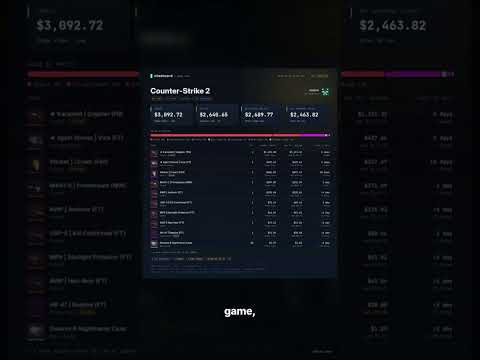
Stashcard: Steam Inventory Report Cards
Explore estimated Steam inventory values with shareable report cards and market comparisons.

horizon-rust/horizon — an unofficial Rust Minecraft client
An unofficial Rust reimplementation of Minecraft Java Edition.

getopenscreen/openscreen — 5,978 Stars
Free open-source desktop screen recorder and editor.